Workstation vs Desktop: 8 Critical Differences You Should Know
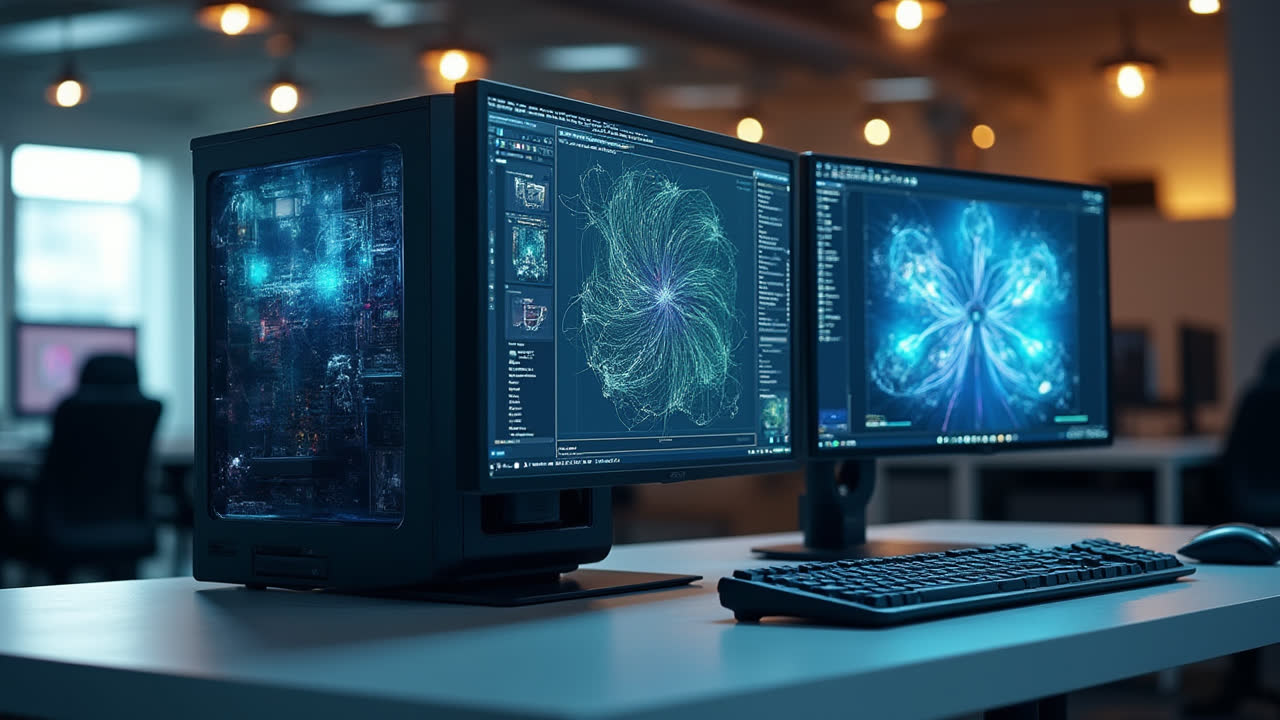
Choosing between a workstation and desktop computer can be confusing if you're not familiar with the technical differences. While they may look similar at first glance, these two computer types serve vastly different purposes and user needs. Are you overspending on a workstation when a regular desktop would do? Or are you struggling with a standard desktop when your work demands more horsepower?
I've spent over a decade helping professionals select the right computers for their needs, and I've seen countless people waste money on the wrong setup. The key is understanding what makes each unique and matching those characteristics to your specific requirements. Let's dive into what separates these two computer categories and help you make an informed decision.
What Is a Workstation Computer?
A workstation is a high-performance computer specifically designed for technical or scientific applications. These powerhouse machines are built to handle complex computational tasks that would overwhelm standard computers. When I first encountered a proper workstation in an engineering firm, I was amazed at how it could render 3D models in mere minutes that would have taken my regular desktop hours to process.
Workstations typically feature top-tier components including professional-grade graphics cards (like NVIDIA Quadro or AMD Radeon Pro), Intel Xeon or AMD Threadripper processors, error-correcting code (ECC) memory, and redundant storage systems. They're often configured with multiple high-resolution displays and specialized input devices beyond the standard keyboard and mouse setup.
Organizations like HP, Dell, Lenovo, and Apple offer dedicated workstation lines targeted at professionals in fields requiring extreme computing power. These machines excel at data-intensive tasks such as 3D mechanical design, animation rendering, complex mathematical simulations, scientific modeling, video editing, and computer-aided engineering. The reliability of these systems is paramount as they often run critical operations where downtime can be extremely costly.
While impressive, these specialized computers come with a significantly higher price tag compared to consumer-grade desktops. A colleague recently invested in a mid-range workstation that cost nearly three times what I paid for my high-end gaming desktop—yet for his architectural visualization work, the investment was absolutely necessary and quickly paid for itself through improved productivity.
What Is a Desktop Computer?
A desktop computer is a personal computer designed for regular everyday use at a fixed location. These versatile machines serve as the backbone of home computing and general office work. I remember building my first desktop PC back in college—nothing fancy, just something reliable for writing papers and browsing the internet, yet it served me faithfully for years.
Desktop computers typically feature consumer-grade components: Intel Core or AMD Ryzen processors, standard RAM without error correction, conventional hard drives or consumer SSDs, and mainstream graphics cards (if included at all). They're designed with a good balance of performance, reliability, and cost-effectiveness for typical computing tasks like web browsing, office applications, media consumption, and casual gaming.
What makes desktops so appealing is their accessibility. With prices starting at a few hundred dollars for basic models, they're within reach for most consumers and businesses. Even higher-end gaming desktops or premium all-in-ones like Apple's iMac generally cost less than entry-level workstations. This affordability doesn't mean they lack capability—modern desktops are remarkably powerful compared to what was available even five years ago.
The versatility of desktop computers extends to their upgradeability. Unlike many laptops or mobile devices, desktop systems often allow for component upgrades over time. I've gradually upgraded my home desktop over the years, swapping in more RAM, adding an SSD, and upgrading the graphics card—extending its useful life far beyond what would have been possible with a sealed system.
Key Differences Between Workstations and Desktops
| Comparison Factor | Workstation | Desktop |
|---|---|---|
| Primary Purpose | Technical, scientific, and professional applications | General computing, office work, entertainment |
| Processor Type | Intel Xeon, AMD Threadripper/EPYC (multi-core) | Intel Core, AMD Ryzen (consumer-grade) |
| Memory | ECC RAM, larger capacities (64GB-1TB+) | Standard RAM, moderate capacities (8GB-64GB) |
| Graphics | Professional GPUs (NVIDIA Quadro, AMD Radeon Pro) | Consumer GPUs or integrated graphics |
| Storage | Enterprise-grade SSDs, RAID configurations | Consumer SSDs, standard hard drives |
| Reliability | High reliability, error correction, redundancy | Standard reliability, fewer redundant systems |
| Cost | $1,500-$10,000+ (often much higher) | $300-$2,500 (typically under $1,500) |
| Typical Lifespan | 5-7 years in professional environments | 3-5 years for average usage |
Performance Considerations: When Do You Need a Workstation?
The decision between a high-performance workstation and a standard desktop ultimately comes down to your specific needs. I've seen too many professionals struggle with inadequate equipment, and equally, I've witnessed others waste money on overpowered systems they'll never fully utilize. Understanding your actual requirements is crucial.
You likely need a workstation if your work involves any of these demanding tasks:
- Professional 3D modeling and CAD design (AutoCAD, SolidWorks, Revit)
- Video editing and production with 4K+ resolution footage
- Animation and visual effects rendering
- Scientific research requiring complex simulations
- Big data analysis and visualization
- Software development for resource-intensive applications
- Professional audio engineering with multiple high-bitrate tracks
A desktop computer is likely sufficient if your typical usage includes:
- Office productivity (documents, spreadsheets, presentations)
- Web browsing and email
- Social media and content consumption
- Light photo editing and graphic design
- Gaming (even demanding modern games)
- Small business operations and management
- Home entertainment and media center functions
The performance gap between these two categories becomes most evident under sustained heavy workloads. A friend who works as a video editor once tried to save money by editing a short film on a high-end gaming desktop rather than investing in a proper workstation. While it initially seemed capable, the system struggled with thermal management during extended rendering sessions and eventually crashed mid-project, causing hours of lost work. For professional applications where reliability is crucial, workstations offer peace of mind that's often worth the premium price.
Cost Analysis: Is a Workstation Worth the Investment?
The price difference between workstations and desktops is substantial enough to warrant careful consideration. Entry-level workstations typically start around $1,500-2,000, while professional-grade systems can easily exceed $5,000 and specialized configurations can reach tens of thousands of dollars. By comparison, capable desktop computers start at around $500, with high-performance gaming systems rarely exceeding $2,500.
This price disparity exists for good reason. Workstations incorporate enterprise-grade components that undergo more rigorous testing and certification processes than consumer parts. These components are designed for continuous operation under heavy loads—something I've come to appreciate after witnessing the difference in reliability between my home desktop and the workstations at my previous engineering job.
Consider the return on investment rather than focusing solely on the initial purchase price. For professionals whose income depends on computing capability, the productivity gains from a properly specified workstation can quickly offset the higher upfront cost. When my architect friend upgraded from a high-end desktop to a dedicated workstation, she reported being able to take on approximately 30% more projects in the same timeframe due to faster rendering and more efficient multitasking.
However, it's equally important not to overspend. I've seen small business owners purchase expensive workstations for tasks that a mid-range desktop could handle perfectly well. The key is honest assessment: will the additional capabilities of a workstation measurably improve your productivity or enable work that wouldn't otherwise be possible? If not, the premium price is likely unjustified.
Common Use Cases and Recommendations
Having helped many colleagues and clients choose between workstations and desktops over the years, I've observed some common patterns in which types of users benefit most from each system type. While individual needs vary, these generalizations can help guide your decision-making process.
Workstation Ideal Users:
- Architects and structural engineers working with complex 3D models
- Visual effects artists and 3D animators rendering high-fidelity scenes
- Film editors working with 4K+ footage and complex projects
- Scientific researchers processing large datasets
- Financial analysts running complex simulations and modeling
- AI and machine learning developers training sophisticated models
- Professional audio engineers producing multi-track recordings
Desktop Ideal Users:
- Office workers using productivity software and communication tools
- Students completing coursework and research
- Casual creative hobbyists working with consumer-grade software
- Gamers (even enthusiast-level gaming rarely requires workstation components)
- Home users managing finances, browsing the web, and consuming content
- Small business owners handling operations and basic media creation
- Light content creators working with 1080p video or basic photo editing
The line between these categories can blur, especially with today's increasingly powerful desktop components. Some high-end gaming desktops now offer performance that rivals entry-level workstations for certain tasks. However, the professional certifications, reliability features, and optimization for specific professional software still give workstations a clear edge for mission-critical professional applications.
Making the Right Choice for Your Needs
Still unsure which type of system is right for you? I recommend this practical approach based on my experience helping others make this decision:
- Analyze your actual workflows: Monitor your current computer usage for a week. What tasks consume the most time? Where do you experience bottlenecks or slowdowns?
- Consider future needs: Are you likely to take on more demanding projects in the next 2-3 years? Technology purchases should anticipate future requirements.
- Consult software requirements: Check the recommended specifications for the specific software you use most frequently. Some professional applications explicitly recommend workstation-class components.
- Calculate productivity value: Estimate how much your time is worth and how much faster you could work with improved equipment. This helps justify (or rule out) the premium cost of a workstation.
- Consider mid-range options: The line between high-end desktops and entry-level workstations has blurred. A well-configured desktop might meet your needs at a lower price point.
Remember that neither option is inherently "better"—they're designed for different purposes. A workstation would be overkill for someone who primarily checks email and browses the web, while a standard desktop would frustrate a professional animator working on complex 3D scenes. The goal is matching the tool to your specific requirements.
Frequently Asked Questions
Can a high-end gaming desktop replace a workstation?
While modern gaming desktops share some characteristics with workstations—such as powerful CPUs and GPUs—they're optimized for different workloads. Gaming desktops prioritize frame rates and graphics performance for interactive rendering, while workstations focus on computational accuracy, reliability, and certified compatibility with professional software. Gaming GPUs lack the specialized drivers and certifications that professional applications require. For occasional professional work, a high-end gaming desktop might suffice, but for full-time professional use in fields like CAD, scientific computing, or professional video editing, a proper workstation is still recommended for reliability and optimal performance with specialized software.
How often should I upgrade a workstation versus a desktop?
Workstations typically have longer useful lifespans than desktop computers, despite their higher initial cost. Most businesses plan for desktop replacement cycles of 3-5 years, while workstations often remain viable for 5-7 years. This longer lifespan is due to several factors: workstations are usually built with higher-quality components designed for longevity, they typically start with higher specifications that take longer to become obsolete, and their modular design often allows for component upgrades rather than complete system replacement. However, if you work in fields where software demands increase rapidly (like visual effects or AI development), you might need more frequent upgrades regardless of system type.
Are pre-built workstations better than custom-built ones?
Pre-built workstations from major manufacturers like Dell, HP, and Lenovo offer several advantages: they undergo extensive compatibility testing, come with professional support packages, and offer certifications for professional software. These systems also typically include longer warranties and more responsive service plans than consumer desktops. However, custom-built workstations can offer better value for specialized needs and allow for more precise component selection. The best choice depends on your specific requirements: if you need guaranteed reliability and official software certifications, pre-built systems from established workstation vendors are preferable. If you have very specific requirements and technical expertise (or support), a custom workstation might better address your particular needs at a potentially lower price point.
Conclusion: Making an Informed Decision
The distinction between workstations and desktop computers ultimately comes down to specialized needs versus general-purpose computing. While both categories continue to evolve—with desktop computers becoming increasingly powerful and workstations becoming more accessible—each still serves different user requirements most effectively.
As someone who has used both types extensively throughout my career, I can attest that having the right tool for the job makes a tremendous difference in productivity and satisfaction. Be honest about your actual needs rather than being swayed by marketing or specifications that look impressive but don't translate to real-world benefits for your specific tasks.
Remember that the most expensive option isn't always the best choice—the optimal system is one that reliably handles your workload without unnecessary excess. Whether you choose a workstation or a desktop, selecting a system that aligns with your particular requirements will ensure you get the best return on your technology investment.