CPU vs Core: Essential Differences Explained Simply
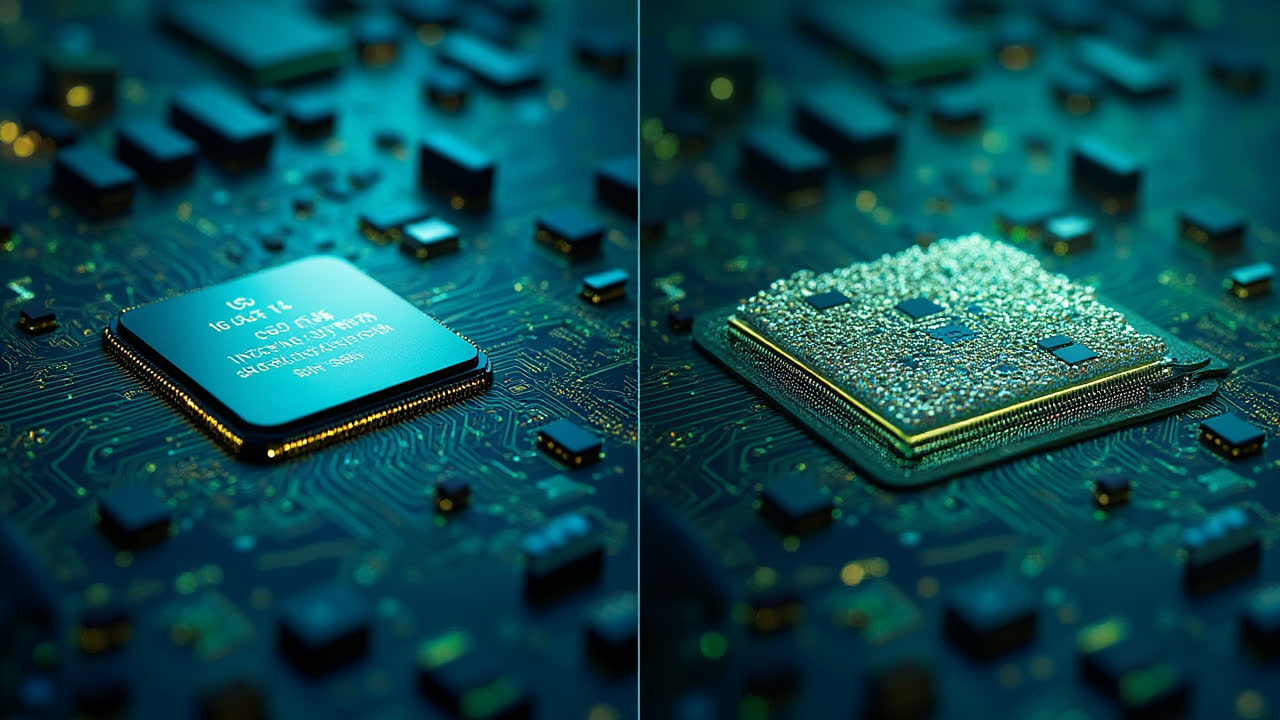
Understanding the difference between a CPU and core is crucial for anyone interested in computer hardware or looking to purchase a new device. Have you ever wondered why some computers perform faster than others despite having similar specifications? The answer often lies in the relationship between the CPU and its cores.
In today's computing world, manufacturers constantly advertise multi-core processors, octa-core smartphones, and dual-core tablets. But what exactly do these terms mean? As someone who's spent years building custom PCs and advising friends on tech purchases, I've noticed how confusing these concepts can be for the average user.
A processor (or CPU) is the primary chip responsible for executing instructions in your computer, while cores are the individual processing units within that CPU. Think of the CPU as the entire kitchen in a restaurant, while the cores are the individual chefs working inside it. More chefs (cores) typically means more meals (tasks) can be prepared simultaneously.
Quick fact: Modern smartphones often have more cores than high-end desktop computers from just a decade ago. My first smartphone had a single-core processor, while today's budget models commonly feature eight cores!
What is a CPU? The Brain of Your Computer
The Central Processing Unit (CPU) serves as the brain of your computer system, handling all the instructions required for the machine to function properly. When you click an icon, type on your keyboard, or run an application, your CPU processes these commands and executes the necessary operations.
A typical CPU consists of two main subsystems that work together to process information: the Arithmetic Logic Unit (ALU) and the Control Unit (CU). The ALU performs mathematical calculations and logical operations, determining whether statements are true or false. Meanwhile, the Control Unit orchestrates the entire process, regulating and synchronizing all computer operations.
I remember upgrading from an older dual-core processor to a newer quad-core model. Even though the clock speed was similar, the difference in multitasking performance was immediately noticeable. I could run my video editing software while having multiple browser tabs open without experiencing the lag that plagued my previous setup.
CPU performance depends on several factors, including architecture (whether it processes 32-bit or 64-bit instructions) and clock speed (measured in GHz). The execution time for a CPU to complete a program can be calculated using this formula:
CPU time = Number of instructions × Clock cycles per instruction × Time for one clock cycle
Most modern computers contain a single CPU chip soldered onto the motherboard. However, high-performance servers and specialized workstations might house multiple physical CPUs to handle extremely demanding workloads. This is different from having multiple cores, which we'll explore next.
What is a Core? The Powerhouse Within
A core represents the actual execution unit inside a CPU. This component reads and executes instructions, performing the real computational work. Each core contains its own ALU, control unit, and cache memory, allowing it to function as an independent processing unit.
When browsing tech specs, you'll commonly encounter terms like dual-core, quad-core, hexa-core, and octa-core. These simply indicate the number of cores integrated into a single CPU. A dual-core processor houses two cores, a quad-core contains four, and so on.
Having multiple cores is like having multiple CPUs in one physical package. When a computer has multiple cores, it can receive and execute various instructions simultaneously on separate cores, significantly enhancing processing speed and efficiency. This parallel processing capability is what makes modern computers so powerful compared to their single-core ancestors.
I've noticed that when running my favorite strategy game while also streaming music and keeping communication apps open, my system distributes these tasks across different cores. The game might primarily use two cores, while background processes utilize the others. Without multiple cores, these simultaneous activities would compete for processing power, resulting in sluggish performance.
The number of cores greatly impacts a processor's multitasking capabilities. However, not all software is designed to take advantage of multiple cores. Some older applications might only utilize a single core, meaning they won't necessarily run faster on a processor with many cores. Fortunately, most modern software is optimized for multi-core processing.
CPU vs Core: Key Differences Explained
| Comparison Point | CPU | Core |
|---|---|---|
| Definition | The entire processing chip that executes computer instructions | An individual execution unit within the CPU |
| Relationship | Contains one or more cores | Component of a CPU |
| Physical Structure | Complete integrated circuit on the motherboard | Processing unit integrated within the CPU chip |
| Functionality | Manages all computing tasks and coordinates system operations | Performs actual instruction execution and calculations |
| Quantity Per Computer | Typically one (consumer devices) or multiple (high-end servers) | Can range from one to dozens per CPU |
| Performance Scaling | Adding CPUs requires specialized motherboards | More cores generally means better multitasking |
| Power Consumption | Total power used by all components | Individual cores can be powered down to save energy |
| Heat Generation | Combined heat from all cores and components | Each active core generates its own heat |
The Evolution of Multi-Core Processing
The transition from single-core to multi-core processors represents one of the most significant advancements in computing history. In the early 2000s, processor manufacturers faced a critical challenge – they couldn't continue increasing clock speeds without causing overheating issues. The solution? Add more processing units (cores) instead of pushing clock speeds higher.
This shift marked a fundamental change in how processors were designed and how software was developed. I remember when dual-core processors first became mainstream around 2005-2006. The difference in multitasking performance was remarkable compared to single-core systems. Suddenly, running an antivirus scan didn't bring your entire computer to a crawl!
Today, even budget smartphones feature octa-core processors, while desktop CPUs commonly offer 6, 8, 12, or even more cores. This evolution has enabled increasingly complex applications and computing tasks that would have been impossible with single-core designs. Video editing, 3D rendering, scientific simulations, and modern gaming all benefit tremendously from multi-core processing.
Multi-core architectures also implement techniques like hyperthreading (Intel) or simultaneous multithreading (AMD), which allow each physical core to handle multiple threads of execution simultaneously. This creates "logical cores" that further enhance parallel processing capabilities. For example, a 6-core processor with hyperthreading can handle 12 threads simultaneously, appearing to the operating system as if it had 12 cores.
The future of computing continues to trend toward more cores rather than significantly faster individual cores. This architecture provides better energy efficiency and thermal performance while delivering the increased processing power needed for tomorrow's applications. Some specialized computing tasks already utilize processors with dozens or even hundreds of cores working in parallel.
Practical Implications for Users
Understanding the relationship between CPUs and cores has practical implications for everyday computer use and purchasing decisions. When buying a new device, consider what you'll primarily use it for rather than simply looking for the highest core count.
For basic tasks like web browsing, email, and document editing, a dual-core or quad-core processor is typically sufficient. However, if you're into gaming, video editing, 3D rendering, or running virtual machines, you'll benefit significantly from processors with more cores. I've found that for gaming, having 6-8 cores provides an excellent balance between performance and cost.
Your operating system also plays a crucial role in utilizing multiple cores effectively. Modern operating systems like Windows 10/11, macOS, and Linux distributions are designed to distribute tasks across available cores. They use sophisticated scheduling algorithms to determine which core should handle specific processes, optimizing overall system performance.
Applications themselves must be programmed to take advantage of multiple cores through a technique called "multithreading." Well-designed modern software splits tasks into separate threads that can run simultaneously on different cores. However, some operations are inherently sequential and can't be easily parallelized, which is why having fewer, faster cores sometimes outperforms having many slower cores for certain tasks.
Finally, consider thermal management when thinking about multi-core systems. More cores generate more heat, requiring efficient cooling solutions. This is especially important in compact devices like laptops and smartphones, where thermal throttling (reducing performance to prevent overheating) can significantly impact real-world performance. I've experienced this firsthand when my laptop's performance dropped during intense gaming sessions due to inadequate cooling.
Frequently Asked Questions
Is a processor the same as a CPU?
Yes, "processor" and "CPU" (Central Processing Unit) are essentially interchangeable terms in modern computing. Both refer to the primary chip responsible for executing instructions and performing calculations in a computer system. When people talk about a computer's processor or CPU, they're referring to the same component – the "brain" of the device that handles all computational tasks.
Do more cores always mean better performance?
Not necessarily. More cores provide better performance only when running applications designed to utilize multiple cores simultaneously (multithreaded applications). For single-threaded tasks, which can only use one core at a time, the clock speed and efficiency of individual cores matter more than the total count. Many everyday applications and games still don't fully utilize high core counts. Additionally, factors like cache size, architecture generation, and memory speed also significantly impact overall performance.
How do I know how many cores my computer has?
You can check your computer's core count through the operating system. On Windows, open Task Manager (Ctrl+Shift+Esc), click the "Performance" tab, and select "CPU" – it will show both the physical cores and logical processors (threads). On macOS, click the Apple menu, select "About This Mac," then click "System Report" and "Hardware" to view processor information. On Linux, you can use the command "lscpu" in the terminal, which will display detailed CPU information including core count.
Conclusion: The Symbiotic Relationship
The difference between a CPU and core is fundamental to understanding modern computing architecture. The CPU serves as the complete processing unit that manages all computer operations, while cores are the individual execution units within that CPU that perform the actual work.
As technology continues to advance, the number of cores in consumer devices will likely increase further, enabling even more powerful computing experiences. Already, we're seeing specialized AI processors with dedicated cores for machine learning tasks appearing in smartphones and laptops – a trend that will only accelerate.
Whether you're building a gaming PC, selecting a new laptop, or just wanting to understand your current device better, knowing the relationship between CPUs and cores helps you make informed decisions. The next time you see a device advertised as having an "octa-core processor," you'll understand precisely what that means and whether those extra cores will benefit your specific needs.
Remember that the ideal processor for you depends entirely on your usage patterns. For some, a 4-core processor with high clock speeds might provide better performance than an 8-core chip with lower frequencies. It's all about matching the hardware to your specific computing requirements.